
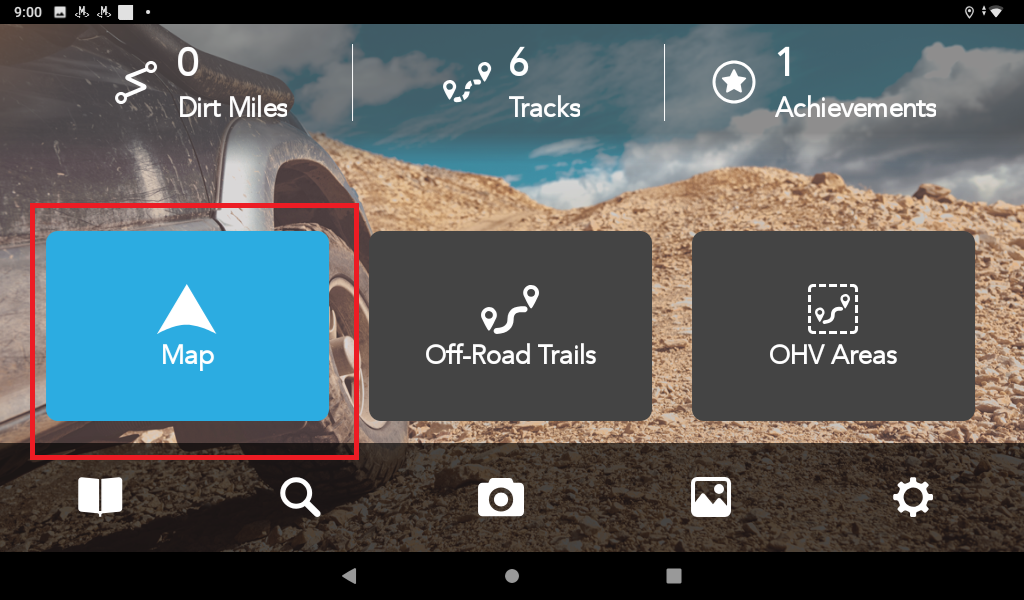
1. Tap the blue Map button on the TRX Software.
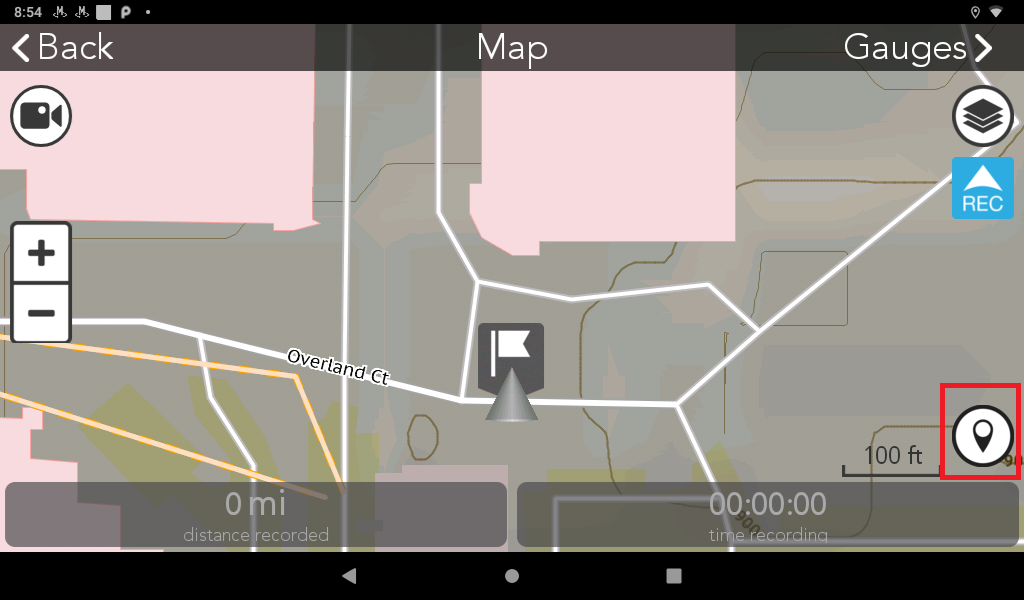
2. Tap the Detail Waypoint button in the lower right screen.
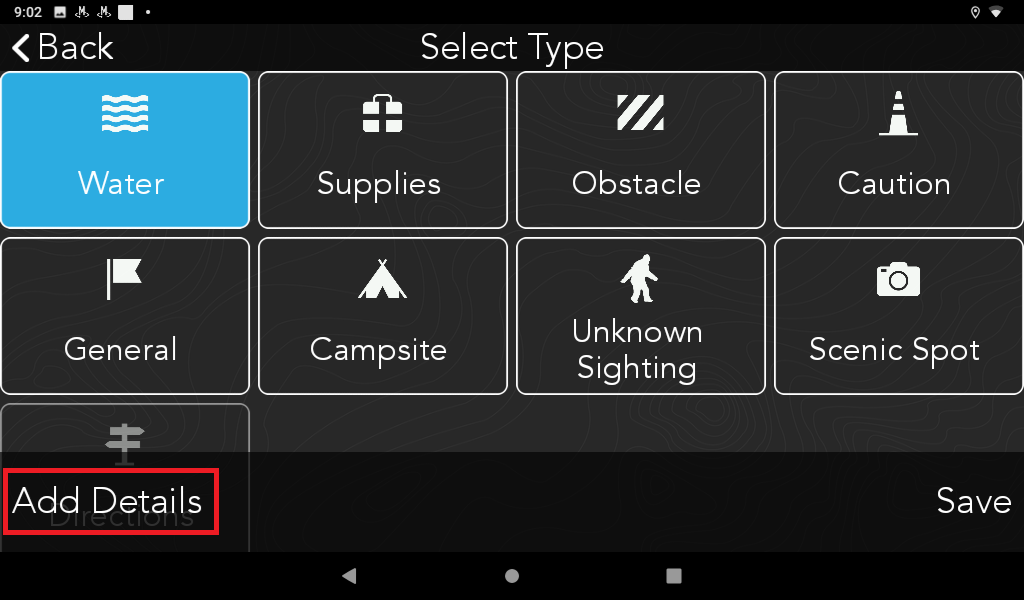
3. Select a Type of waypoint: Water, Supplies, Obstacle, Etc. Then, tap Add Details.
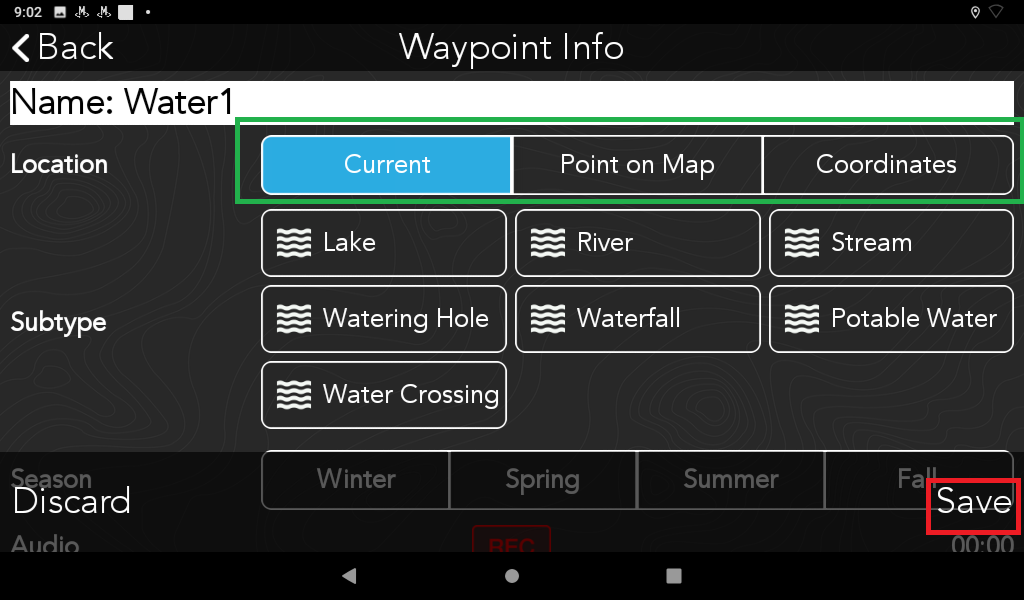
4. Add information on detail waypoint option: Current, Point on Map, or Coordinates. Then press Save.
5. The waypoint you mark on the map will then be saved on your Logs.
Comments
0 comments
Please sign in to leave a comment.