
You can select what kind of gauge you want to display on your map screen. There are two options you can view and change your gauge.
Option A:
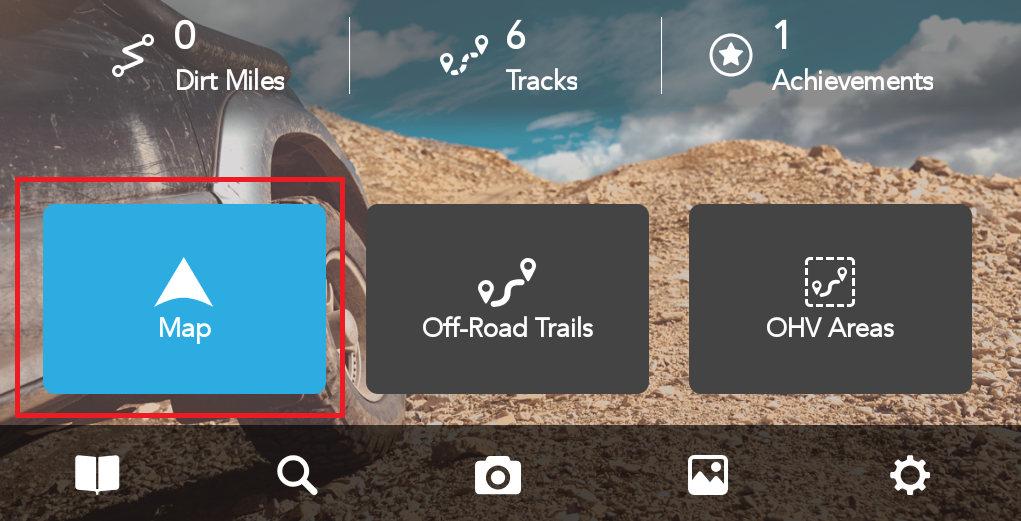
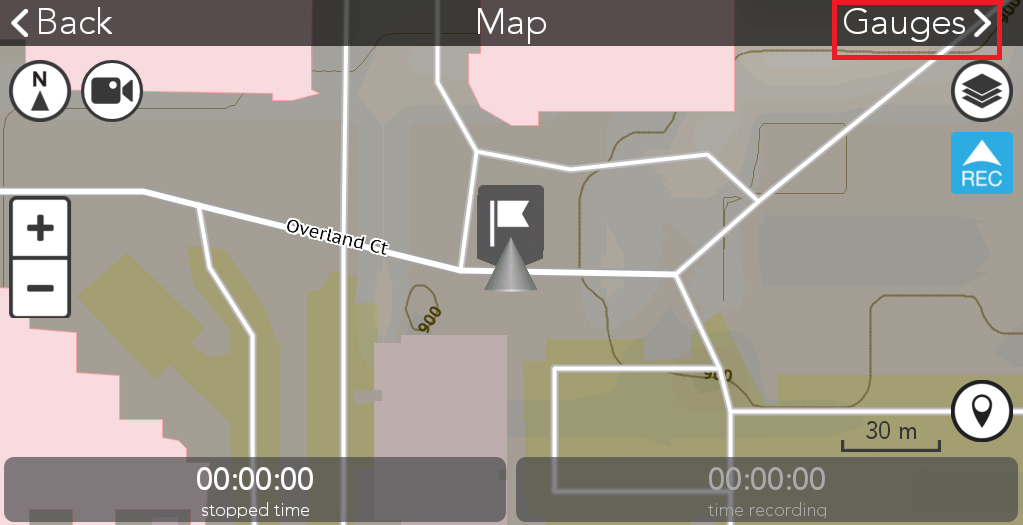
1. Tap Map from TRX APP Software
2. Long press the item you want to change.
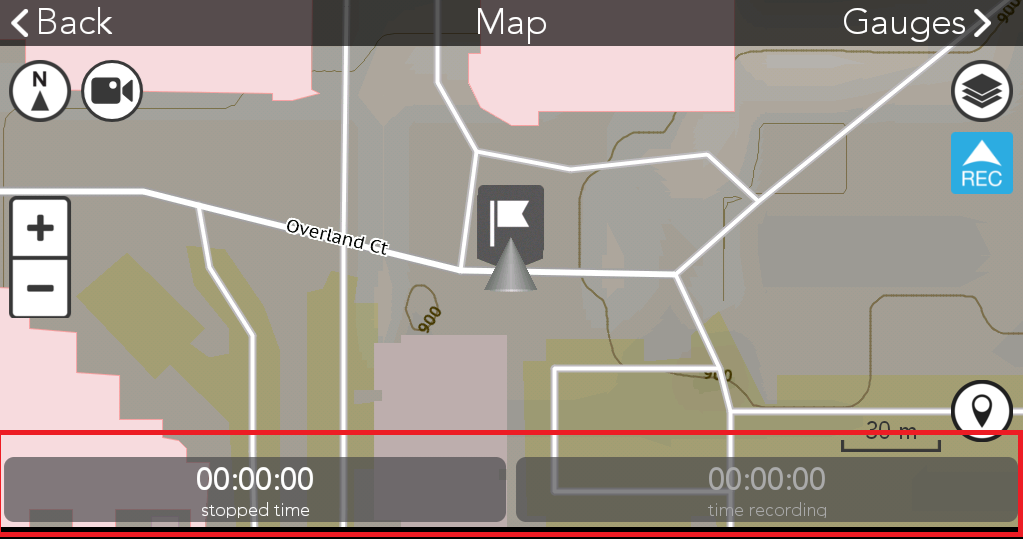
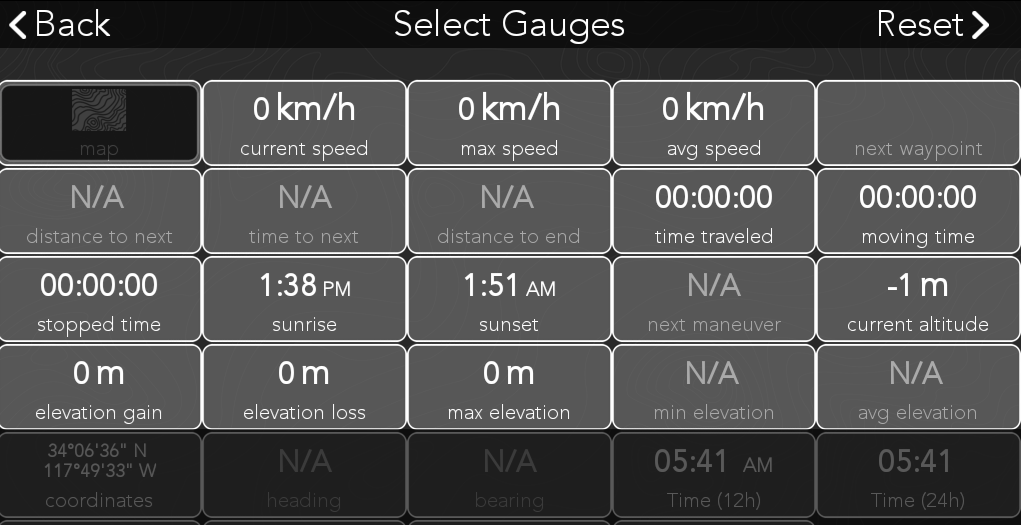
3. The gauges option window will pop up. Choose one you want to replace.
Option B:
1. Tap Map from TRX APP Software
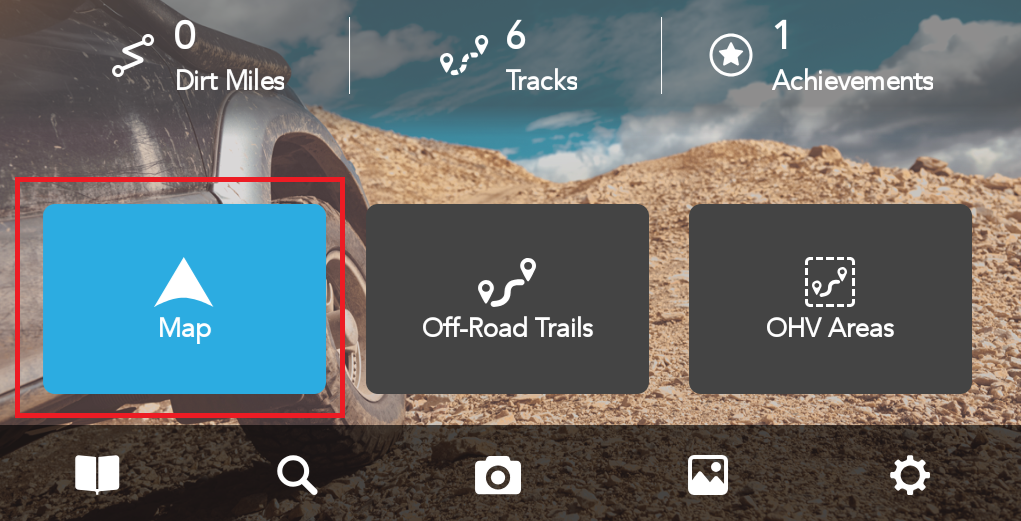
2. Tap Gauges on the top right corner of the Map screen.
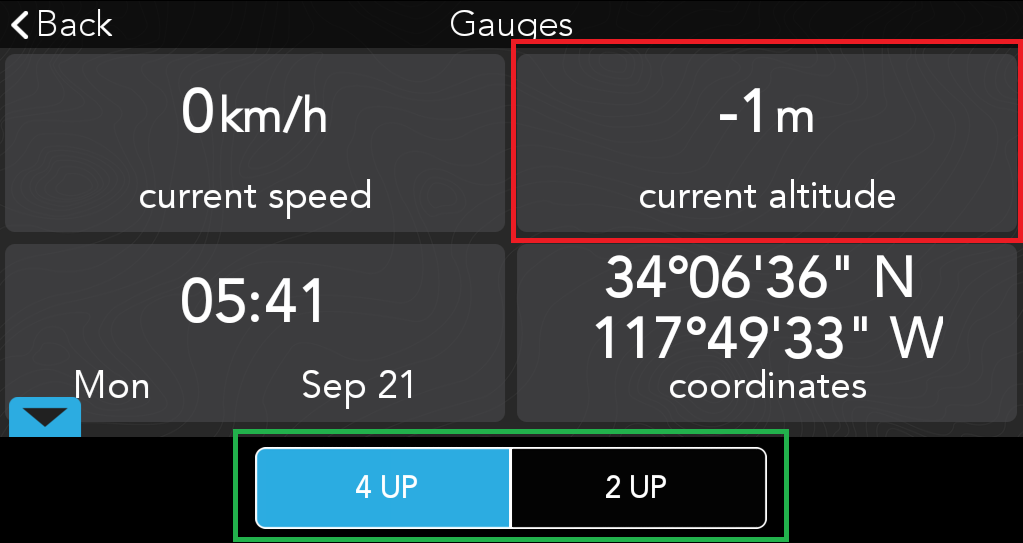
3. Select if you want to show 2 or 4 kinds of gauge. Long press the item you want to change.
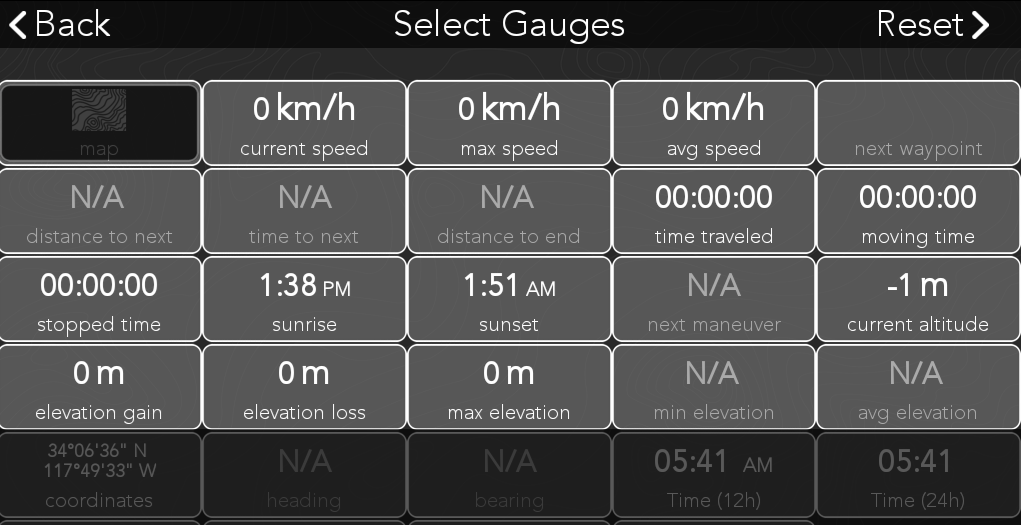
4. The gauges option window will pop up. Choose one you want to replace.
Comments
0 comments
Please sign in to leave a comment.